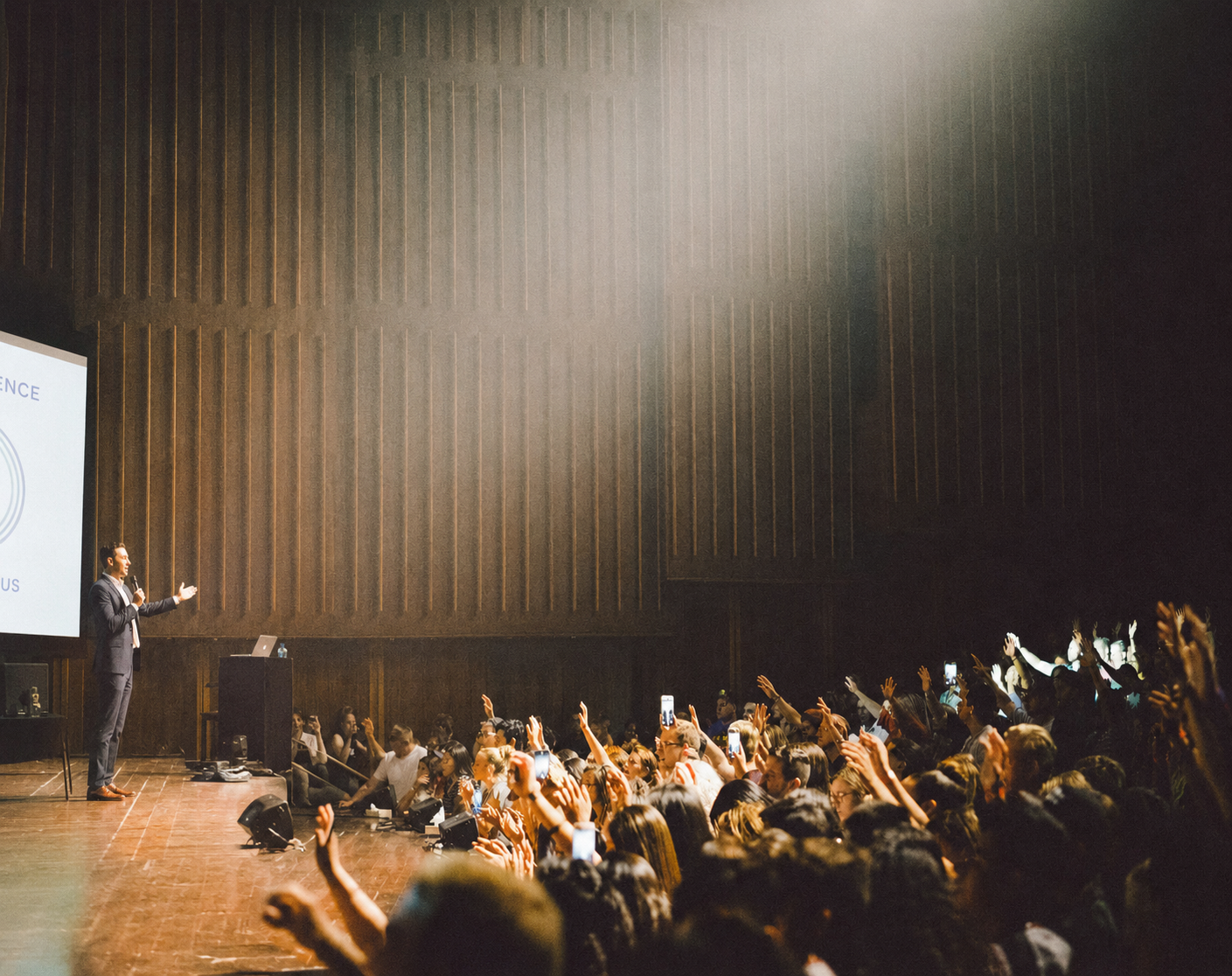
How to see which slide of a deck actually landed with your audience
The applause tells you nothing. The nods tell you less. If you want to know which slide moved the room and which one lost it, you need feedback anchored to the moment it happened — not a survey the audience forgets to open.

A talk ends. The applause is polite. Someone says "great session." You still have no idea whether slide 7 landed, slide 12 confused everyone, or slide 9 was the one they'll actually remember on Monday. Here is how presenters are starting to close that loop — while the room is still warm.
The core idea
Feedback belongs on the slide, not in a survey
The reason presenters walk offstage blind isn't lack of tools. It's that the feedback tools they use are architecturally detached from the moment the feedback is about. A poll widget lives beside the deck. A post-event survey lives in an inbox. A hallway compliment lives in a memory that fades by lunch. None of them are anchored to the slide that actually caused the reaction, so none of them tell you what to change. Anchor the feedback to the slide, capture it while the talk is fresh, and the signal starts to look like something you can act on.


The best feedback is born attached to the slide that provoked it — not floating in a stream of hallway comments.

The resolution problem
A talk is not one artifact. It is twenty or forty slides in sequence, and the feedback that improves it has to live at that resolution — one slide at a time.
Problem
Most presenters end a talk with the same three data points: the applause, the couple of comments in the hallway, and the vague sense that "it went okay." None of that tells them which slide actually moved the room and which one lost it. The post-event survey — the tool most organisations still lean on — arrives 24 to 72 hours later, and by then the audience has forgotten the specifics. They can rate the speaker "overall." They can't tell you that slide 9 confused half the room. So the next version of the talk gets rehearsed on instinct, and the same slides quietly under-perform for another year. The polling and Q&A tools that have grown up around presentations — Slido, Mentimeter, Pigeonhole and their peers — solve a related problem but not this one. They sit beside the deck as a separate overlay: a running stream of questions and word clouds, useful for keeping a room awake, but not tied to any particular slide. You get answers to the question you asked, not signal on the slide the audience quietly reacted to. And the "I'll email you the deck" reflex leaves everyone with a static PDF that opens once, if at all — a dead end with no reactions coming back.
Approach
The fix is structural, not tactical. Instead of asking the audience to remember what they thought thirty minutes after the talk, capture the reaction in the moment it happens, on the slide that provoked it. That means turning the deck itself into the surface where feedback lives — not a survey a week later, not a poll widget floating beside the slides, but the slides themselves as the interactive artifact the audience holds. Practically, this looks like a QR code on the opening slide, a mobile handout that mirrors the deck in the browser, and the ability for each viewer to like, dislike, or leave a comment on any single slide. The presenter no longer walks off stage wondering. They open analytics and see a heat-map by slide: where attention peaked, where it dropped, and which three slides collected the confused comments that need rewriting before the next talk. The second half of the fix is time. Feedback captured while the talk is still fresh — in the same handout the audience is already holding — is signal you can actually act on. Feedback requested three days later, in a separate survey, is a response rate you can round to zero. Tools in this space — handyout is one — are built around that principle: the handout persists as a living artifact, and a structured feedback module lives inside it, so the loop closes before the room forgets.
Outcomes
Presenters can point to the exact slides that landed and the exact ones that didn't — not a general "the talk went well."
Post-event survey fatigue disappears; feedback is captured while the audience still remembers the specifics.
Talks get shorter and sharper over time because every revision is anchored to real audience signal, not the speaker's guess.
The audience walks away with a handout they can actually revisit, extending the life of a talk beyond the 45 minutes on stage.
Why nobody knows which slide actually landed
The default feedback loop for a presentation was built for a different era — one where handouts were paper, and audiences had no meaningful way to react in the moment. What survived from that era is a set of habits: send the PDF, wait for the survey, ask a colleague "how did it go?" None of it tells you anything at the resolution you actually need, which is the slide.
The deck is the unit of thought in a presentation. Each slide is a claim, an image, a moment. A talk is not one artifact — it's twenty or forty of them in sequence. Treating feedback as one aggregated score for the whole talk throws away the very information you need to improve. It is like a chef getting a single star rating for a seven-course meal and being asked to make dinner better next week.
What actually changes when feedback is anchored to a slide?
Once the reaction lives on the slide that caused it, three things shift.
First, revisions get specific. Instead of rewriting a whole talk, you rewrite the three slides the room got stuck on. That is a much smaller, more honest job.
Second, the presenter stops arguing with themselves. "I think slide 12 works" becomes "slide 12 got two likes, four confused comments and a drop-off in attention." The subjectivity that dominates post-mortems evaporates.
Third, the audience becomes a collaborator instead of a jury. When people can react on the slide — a like, a dislike, a short comment — they participate rather than judge. The room feels different, and the presenter gets richer signal at the same time.
How to set this up without breaking your flow
You do not need to redesign your talk. You need three things: a way for the audience to open the deck on their phone in a single step, a per-slide interaction surface, and a place to see the results afterwards.
The single-step part matters more than it sounds. If entering the handout requires an app, an account, or an email, participation collapses. A QR code on the opening slide is the lowest-friction path any phone owner can take — one scan and they are in.
On the deck side, keep the presentation you already have. A tool that forces you into a proprietary editor is a tool you will not use for tomorrow's talk. Pick something that accepts .pptx, .pdf and .key, so the sales team on PowerPoint, the design team on Keynote and the junior team on Google Slides can all use the same workflow.
On the analytics side, look for slide-level view-through, reactions and comments — plus a structured feedback module the audience fills in on the same phone they are already holding. A post-event survey sent to their inbox will not get filled in. A three-question rating inside the handout they are looking at right now will.
Privacy is a participation feature, not a compliance chore
In DACH and the wider EU, any tool that greets the audience with a cookie banner or a mandatory sign-up is a tool half the room will refuse. Privacy-first is not just a compliance posture — it is the reason participation actually happens. If the audience can view, react, comment and rate the talk without being tracked or gated, they do it. If they are asked to consent to anything before they can see slide 2, they close the tab.
The presenter still gets meaningful signal — which slides landed, where the room dropped off, what the confused comments were about — without turning the audience into a dataset. That posture is why interaction rates in privacy-first handouts tend to hold up in exactly the contexts where other tools quietly stop working: regulated industries, public sector, education, and any EU room where the DPO is watching.
What to do with the signal once you have it
The point of slide-level feedback is not to collect it. It is to change the talk.
Start with the drop-offs. If attention consistently falls on the same slide, the slide is doing something wrong — usually too dense, too abstract, or in the wrong place in the argument. Cut, split, or move it.
Move to the confused comments. Three or four "I don't get it" comments on the same slide is the clearest revision signal a presenter can get. Rewrite for concreteness.
End with the highs. The slides that consistently collect likes and thoughtful comments are your anchor slides — the ones the talk should be built around next time. Make them earlier, make them longer, give them room to breathe.
Do this after two or three talks and the deck starts to feel different: tighter, more confident, more grounded in what actually works in a room.
More from the blog

Why nobody knows which slide actually landed — and how to fix it
Most presenters walk off stage with no idea which slide actually landed. The fix isn't a longer post-event survey — it's moving feedback into the deck itself, one slide at a time.
Mira Ostwald
The interactive handout: what actually changes when the deck stops being a PDF
Emailed PDFs and post-event surveys are the two worst feedback loops in presenting. Slide-level reactions, privacy-first participation, and a 30-day session window quietly outperform both — for sales, training and conference decks alike.
Lena Fischer
The presentation feedback gap: why nobody knows which slide actually landed
Post-event surveys, polling overlays, and completion dashboards all miss the same thing: whether the audience understood the slides. Here's what slide-level signal changes for speakers, trainers, sales reps and hybrid organisers.
Marta WeissKey takeaways
Six things to remember before your next talk.
Structure
The talk is not one artifact — it's twenty slides in sequence
Aggregate scores throw away the resolution presenters actually need. Feedback belongs at the slide, not the session.
Timing
The post-event survey is functionally dead
By the time the survey arrives, the audience has forgotten the specifics. Capture feedback while the talk is still fresh.
Tooling
Polling overlays answer the wrong question
Poll widgets sit beside the deck. They collect what you asked, not signal on the slide that actually reacted.
Access
A QR scan is the lowest-friction way in
No app, no account, no download. Anything more than one scan and participation collapses.
Trust
Privacy is what makes participation happen
In EU rooms, a consent wall is a participation killer. Interaction has to work without gating the audience.
Practice
The point is to change the talk
Cut the drop-offs, rewrite the confused slides, build the next version around the anchors that actually landed.
Ready to get started?
Turn your next presentation into an interactive handout
Upload your slides, let AI transform them into a mobile-optimized handout, and share it with your audience via QR code — at about ten seconds a slide.
No credit card required · First handyout free